Python Virtual Environment Concept
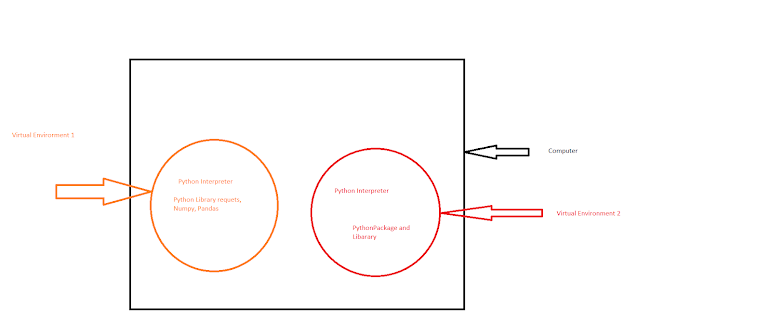
Virtual Environment: A virtual Environment is Python Environment where you installed all the Python Packages, Libraries and interpreter. Virtual Environment is an isolated environment means package installed inside this virtual environment not available outside the system. Why We Need Virtual Environment: 1. There is multiple projects working on your system and each project have their different dependency. So you don't want mix -up dependency with each other. e.g. You need different version of Pandas or requests for projects. 2. When you installed Package without using the Virtual Environment , it directly installed in your system. It may crash your laptop or add virus in your system. e.g. My practical experience I have installed the package and laptop crash. How to Create Virtual Environment in Python: Command: python3 -m venv <Name of virtual environment> python3 -m venv myenv Explaination: python3 : Here we are using the Python3 version to creating the v...